Give customers one place to ask for help
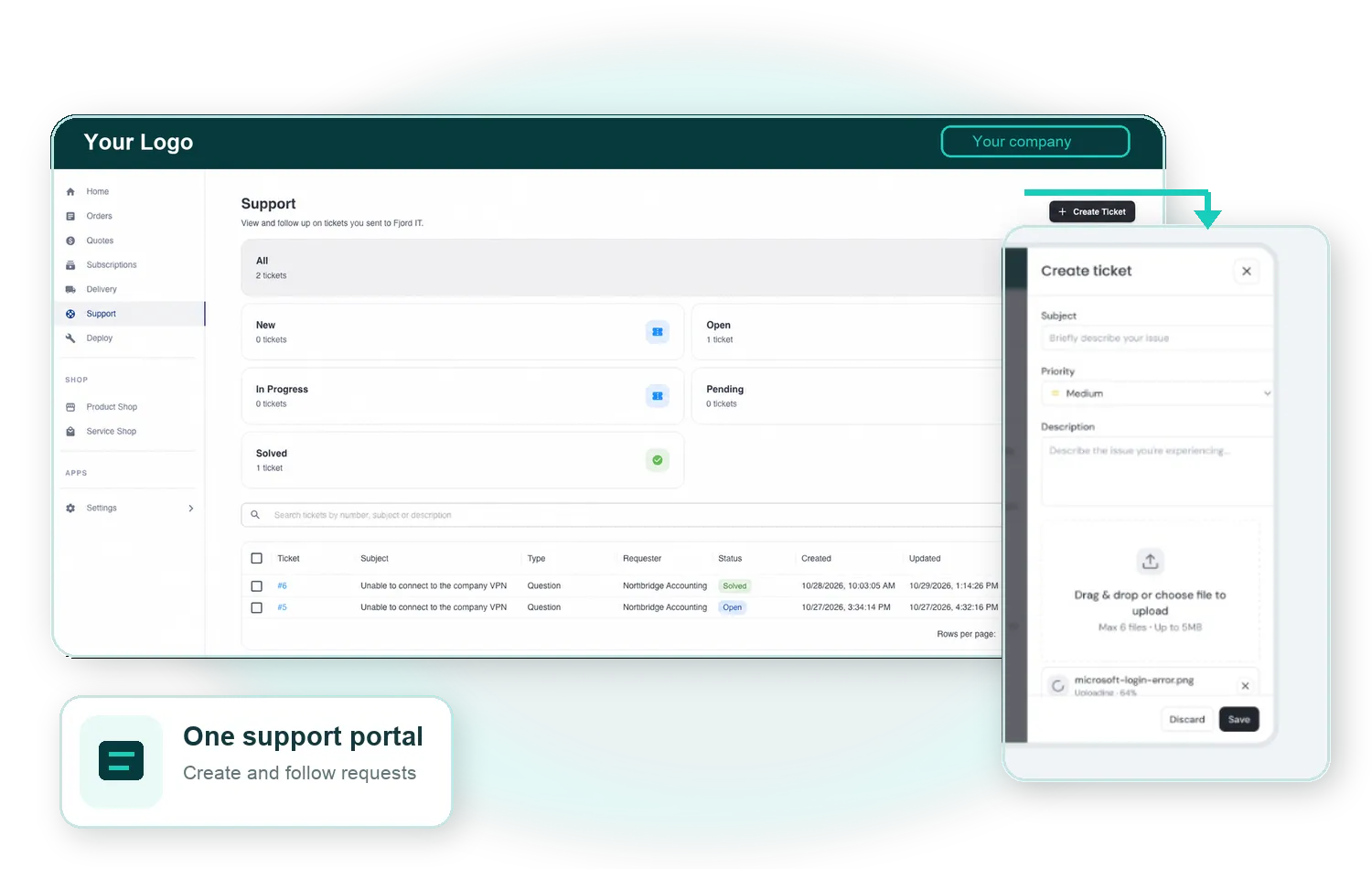
Let customers create tickets and follow the requests they have sent from the same experience they use to manage their IT relationship.

CONNECTED SUPPORT TICKETS
Give customers and providers a clear place to create, receive and follow support tickets in ZaveIT, while service teams continue working in Jira, Zendesk or HaloPSA. Keep the request, conversation and required desk information connected from the first message.
Connects with



Challenge
Customers want a simple way to ask for help and understand what happens next. Providers need the request to arrive with the fields their service desk requires, without creating another disconnected conversation or asking the customer to learn a second portal.
ZaveIT creates a connected support layer around the systems already used to manage tickets. Customers work from a familiar ZaveIT experience, while teams retain the specialised desk that supports their operating model.
How it works
Let customers create tickets and follow the requests they have sent from the same experience they use to manage their IT relationship.
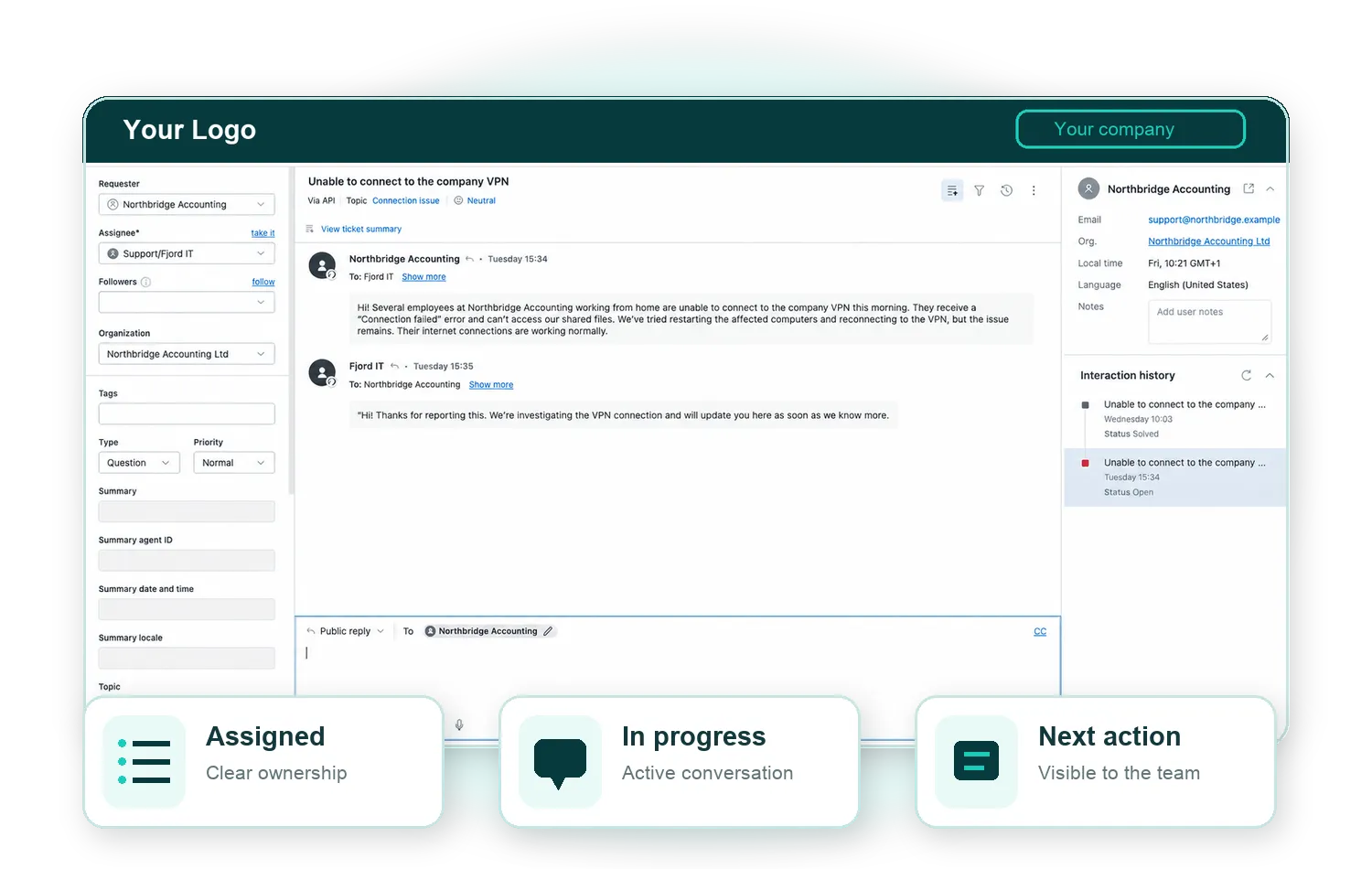
We give providers a dedicated Support area for receiving customer requests, organising tickets and keeping the conversation moving, all in one place.
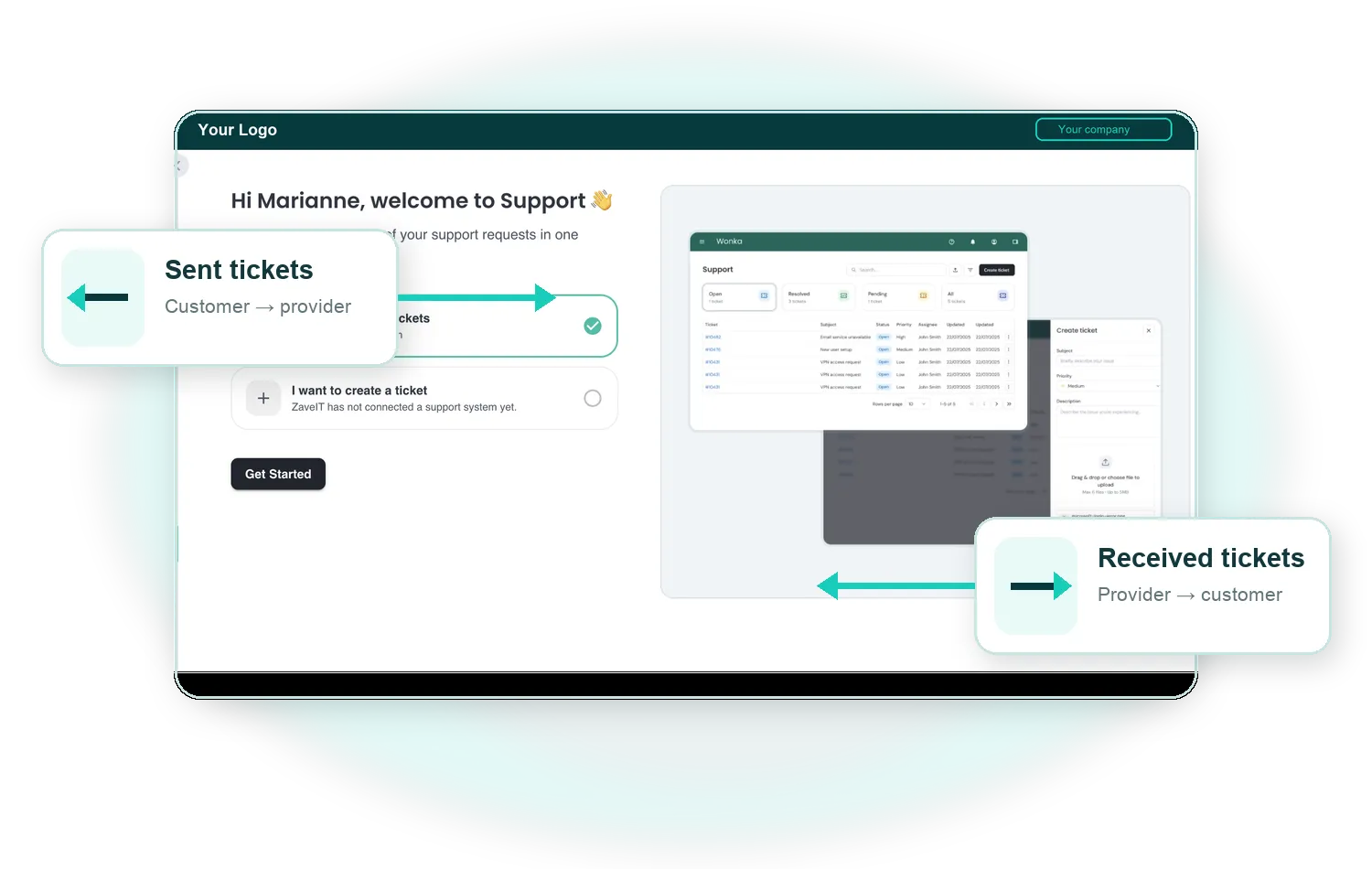
Where a provider can both send and receive tickets, separate views make it easier to distinguish incoming customer requests from tickets raised with another desk.
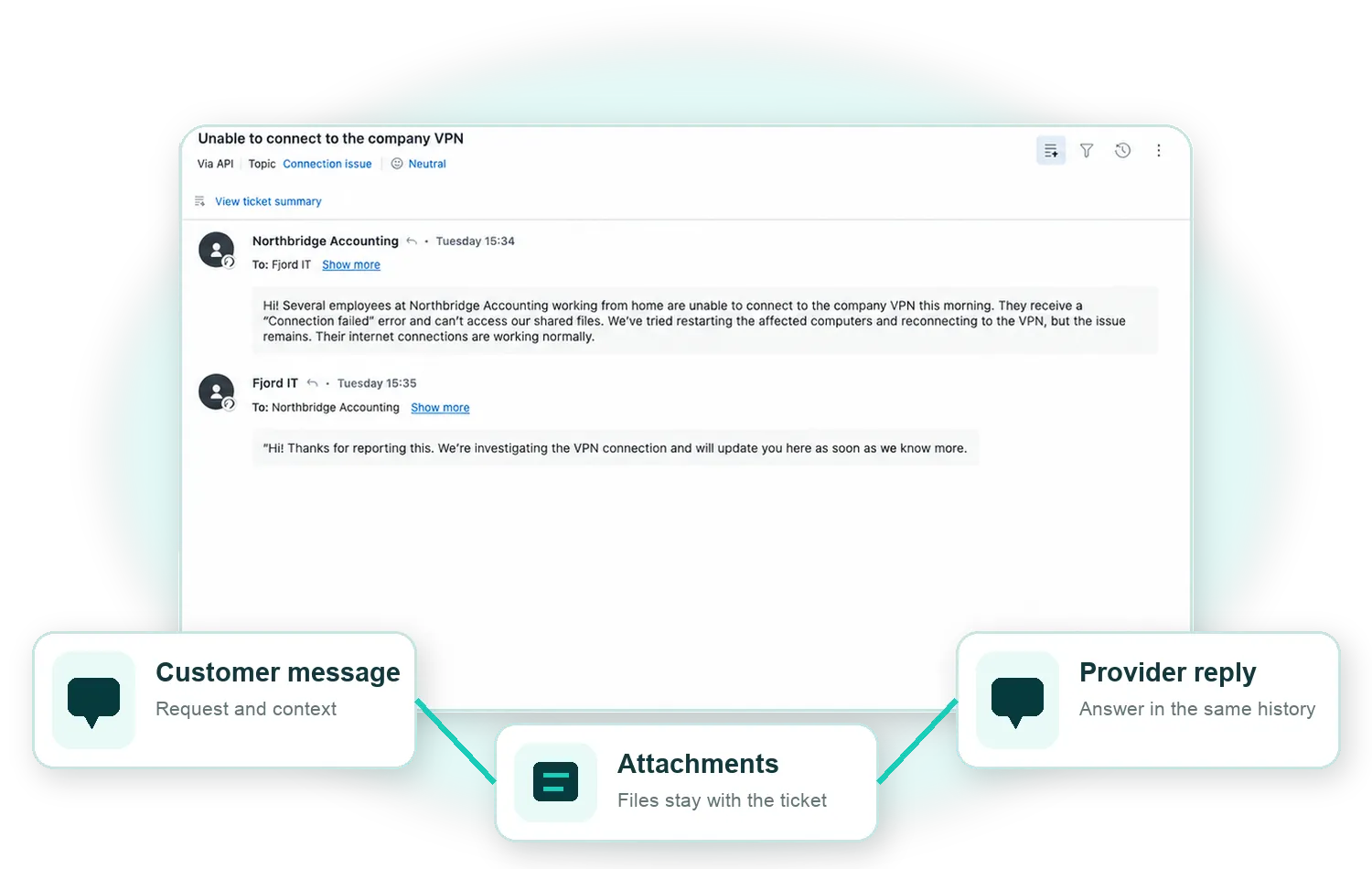
Keep comments and attachments with the ticket details so customers and service teams can work from the same request history.
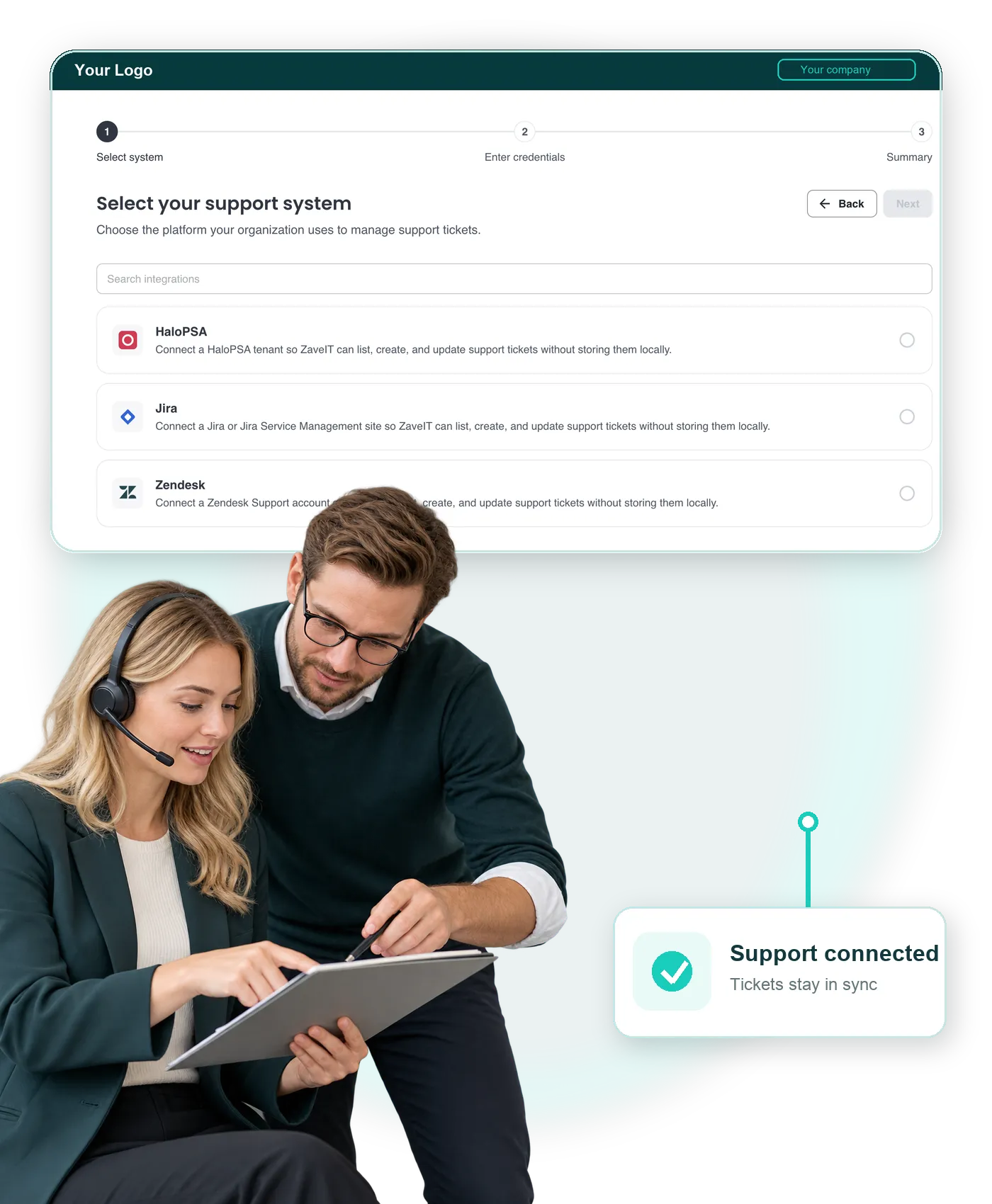
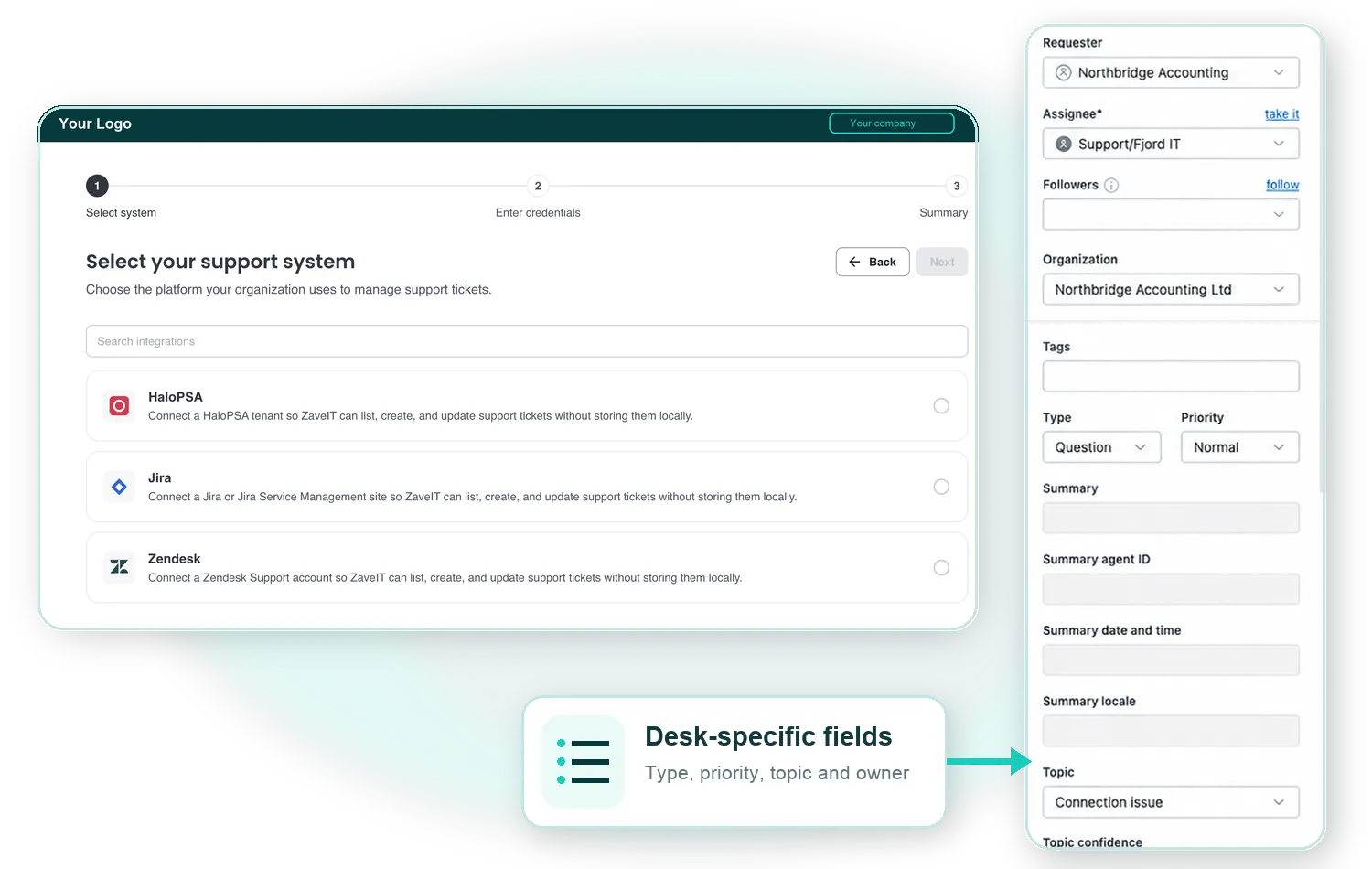
Ticket forms adapt to the selected connected system. Available fields and actions reflect the information required by that desk.
CONNECTED WORKFLOW
The customer or provider opens Support, selects the relevant desk and adds the information required by its ticket form.
The system passes the structured request to the selected Jira, Zendesk or HaloPSA desk etc.
Comments and attachments bring the ongoing conversation together around the ticket.
Customers can return to their sent requests while providers use the relevant incoming or outgoing ticket view.
The support team keeps using its established desk while ZaveIT provides a connected customer-facing experience.
KEEP YOUR SERVICE DESK
ZaveIT can connect to Jira, Zendesk or HaloPSA desks, but more coming soon. The setup discovers available desk choices, and ticket forms adapt to the selected system so teams can continue working with tickets in their established support environment.
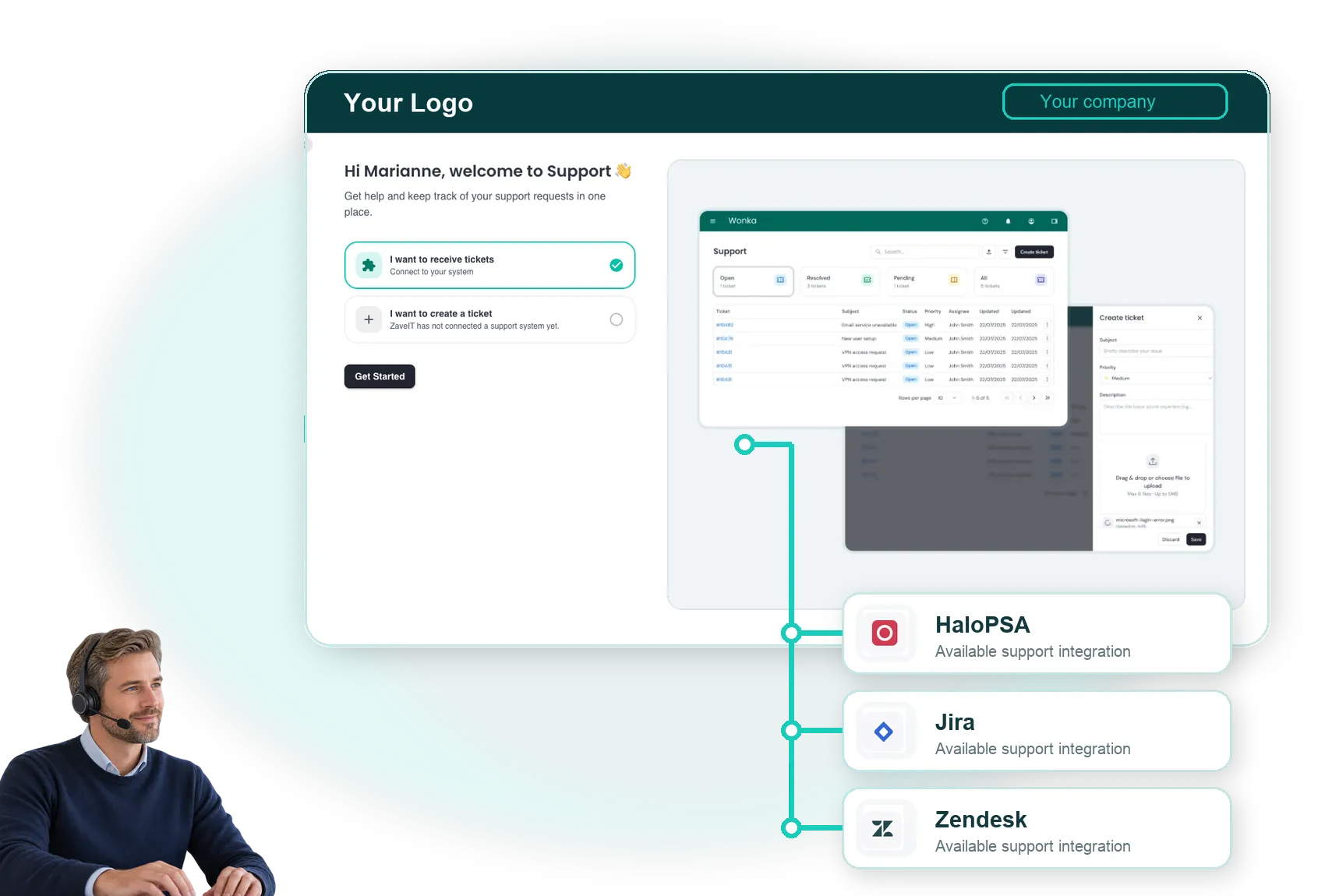
Bring the service desk your team uses today. We’ll show how customers and providers can work with support tickets through one connected experience.
Commercial growth
Our comprehensive solutions work together seamlessly to provide everything you need to run and grow your IT business.
Unlock the power the ZaveIT Platform can do for your business to scale and increase sales.
Self-service portal for your customers to buy more products and services, view documentation, etc.
Complete e-commerce solution for selling products directly to your customers.
Connect to distributors, CRM, ERP, and other business systems.
Embed products and services directly into websites for a seamless shopping experience.
Enhance collaboration and efficiency across multi-tier partner networks and departments.
Educate customers and team members with customisable training content.
Streamline your service delivery process from planning to execution with real-time tracking.
Designed to work with any enterprise-grade backup software.